
AI Video Translator & Dubbing
Translate and dub videos into any language with AI — free, no sign up required. Auto subtitles, multilingual AI voices and SRT export.
Supports common video formats such as MP4, AVI, MOV, WMV; original resolution remains unchanged.
How do you translate a video online for free?
To translate a video online for free, open Belin Doc's AI video translator, upload your video, choose the target language, and get auto-generated subtitles, AI dubbing, and an SRT export — no sign-up required. It supports MP4, MOV, AVI, WMV and other common formats, and you can edit the subtitles before exporting.
Belin Doc transcribes speech automatically, translates it into any language, and can dub the video with natural multilingual AI voices. You can fine-tune every subtitle line, export to SRT or burn subtitles into the video, and choose your output format freely — all free in your browser.
At a glance
- Sign-up
- No account required
- Editing
- Edit subtitles line by line before export
- Quality
- Original resolution kept
- Input formats
- MP4, MOV and other common video formats
- Export
- SRT / TXT, embedded subtitles or AI dubbing
- Preview
- Real-time preview before export
Features: AI Video Translation · Dubbing · Voice Cloning
Professional multilingual video translation, AI dubbing, voice cloning, and audio restoration to spread your content globally without quality loss.
Multilingual Video Translation
Context-aware, accurate translation for 60+ languages; consistent terminology and natural tone.
High-Fidelity Audio Processing
Automatically separates vocals from background, precisely identifies speakers, and improves subtitle and dubbing quality.
Emotional Voice Generation
Replicates character emotions, tone, and expression so translated videos retain their original flavor.
Voice Cloning
High-similarity voice cloning (>90%), suitable for streamers, bloggers, and instructors.
Flexible Subtitle Editing
Visual subtitle editor for on-the-fly edits, calibration, and batch adjustments.
Intelligent Noise Reduction & Audio Repair
Automatically suppresses noise and fixes dropouts and clipping to improve clarity.
Three Steps to High-Quality Video Translation
Clear, controllable workflow; preview and proof subtitles and dubbing anytime to ensure accurate timing and translation.
Step 1: Upload Video File
Click “Select File” or drag & drop. Supports all common formats (e.g., MP4, AVI, MOV).
Step 2: Auto Translate & Dub
Auto transcription → One-click translation → AI multilingual dubbing → Manual proof supported.
Step 3: Export & Save
Confirm subtitles and audio, then export; choose to embed subtitles or generate a dubbed video.
How Belin Doc compares
See how Belin Doc's free, in-browser video translation stacks up against other video translation tools across the capabilities that matter.
| Capability | Belin Doc | Other video translation tools |
|---|---|---|
| Voice cloning | Yes — over 90% similarity | Varies; often a separate tool |
| Language coverage | 60+ languages | Varies; some cover more |
| Pricing | Free to start, monthly quota | Usually subscription or per-minute |
| Specialized modes | Subtitle, documentary, interview & more | Mostly general-purpose |
| AI emotional dubbing | Reproduces tone & emotion | Often flat or unsupported |
| Line-by-line subtitle editing | Visual, in the browser | Often a desktop app |
| No sign-up | Start with no account | Usually requires an account |
Video Translation by Use Case
Explore specialized translation tools built for every type of video content.
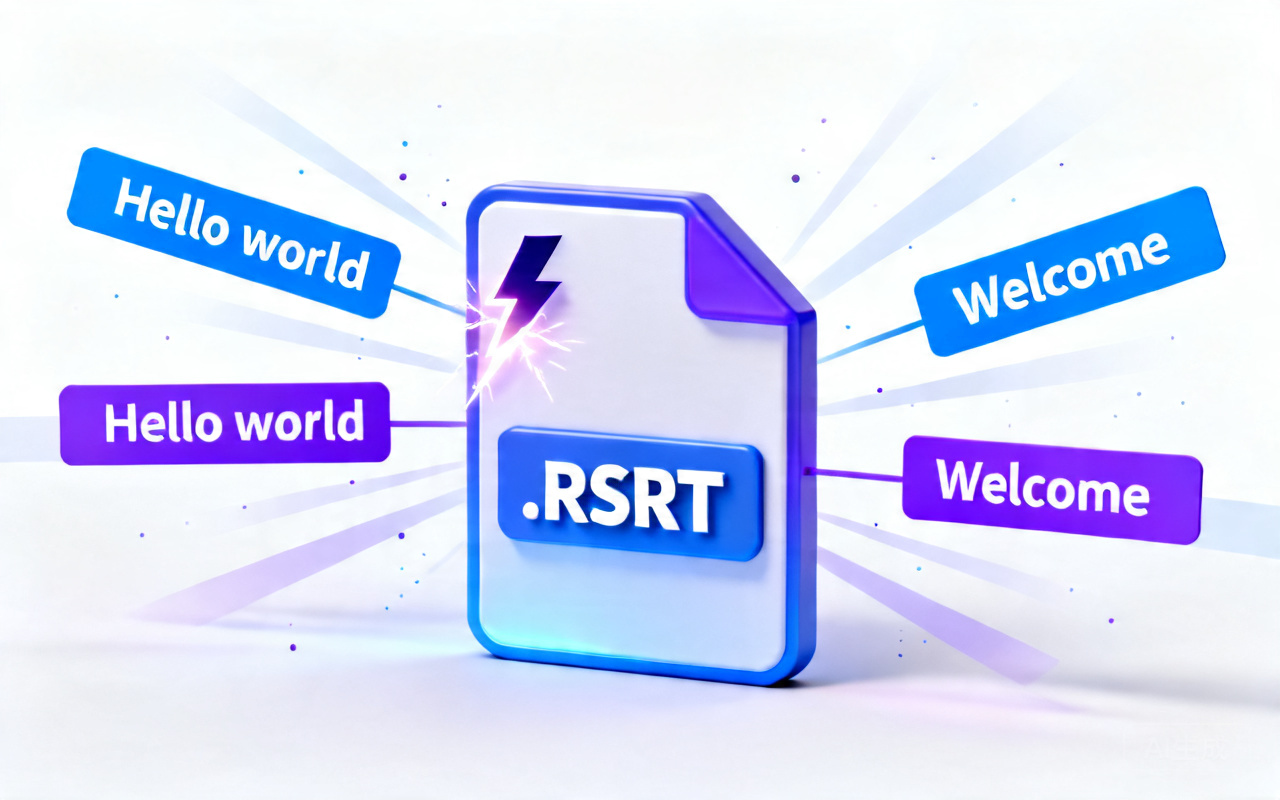
Video Subtitle Translator
Translate your video's subtitles and embed them — translated, original, or bilingual.
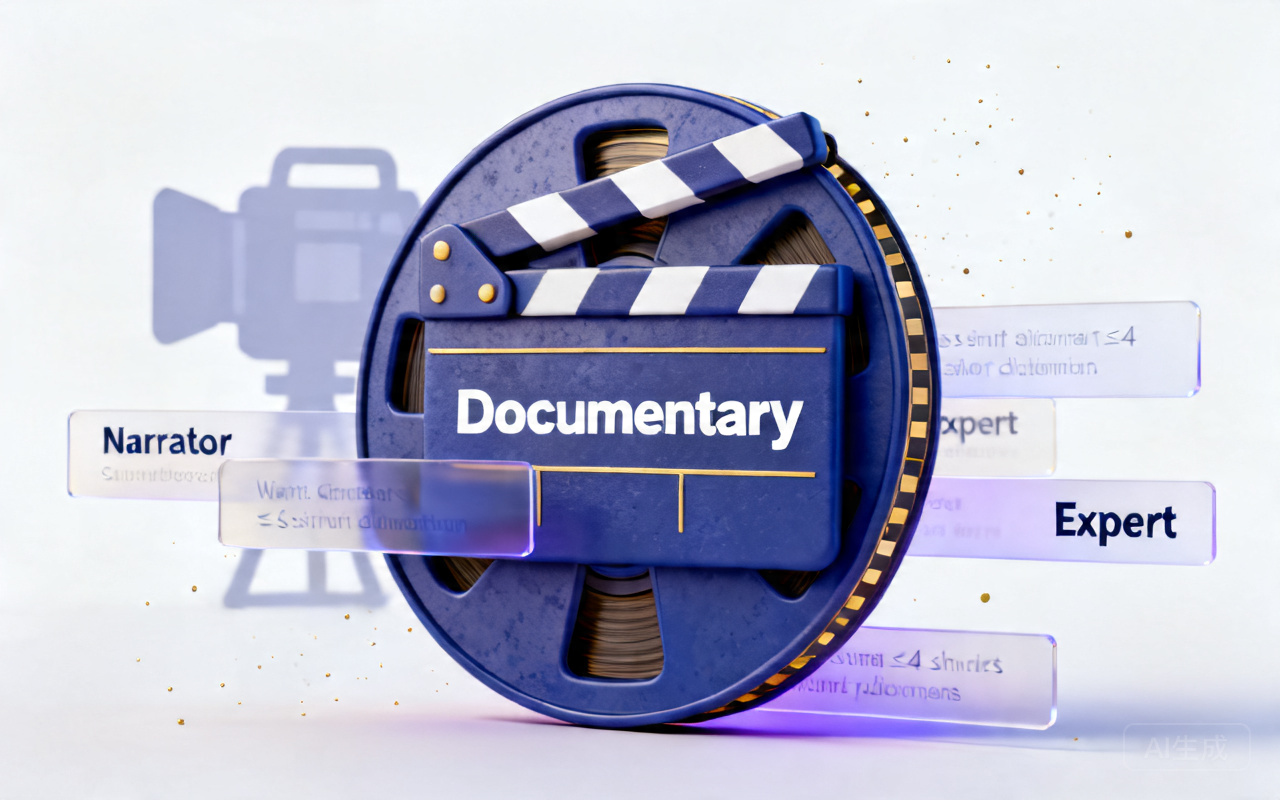
Documentary Translator
Preserve narration style and cultural context for documentary films.
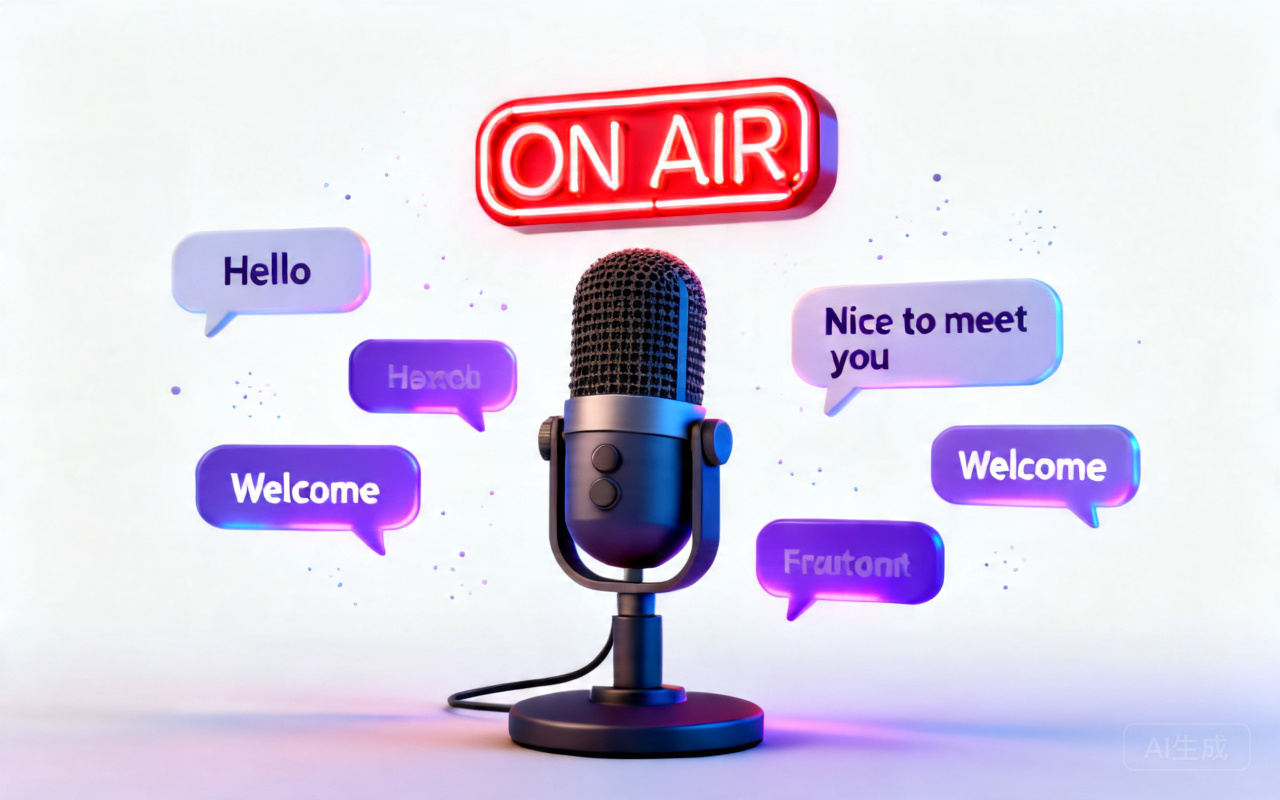
Interview & Podcast Translator
Multi-speaker detection and natural dialogue flow for interviews and podcasts.
FAQ
Helps you quickly understand and solve common questions when using Belindoc video translation, improving workflow efficiency.
Base credit rules:
Video translation credits still use “pages” as the unit
Every 30 seconds consumes 4 pages; less than 30 seconds counts as 30 seconds.
Limits:
- Non-member: single video ≤ 10 min or ≤ 200 MB
- Pro/Max: single video ≤ 60 min or ≤ 1 GB
- Non-member trial: monthly translation limit ≤ 10 min